Image + Content Split
File:
sections/image-content-split.liquidTemplates:
product.gateway-voyage.json
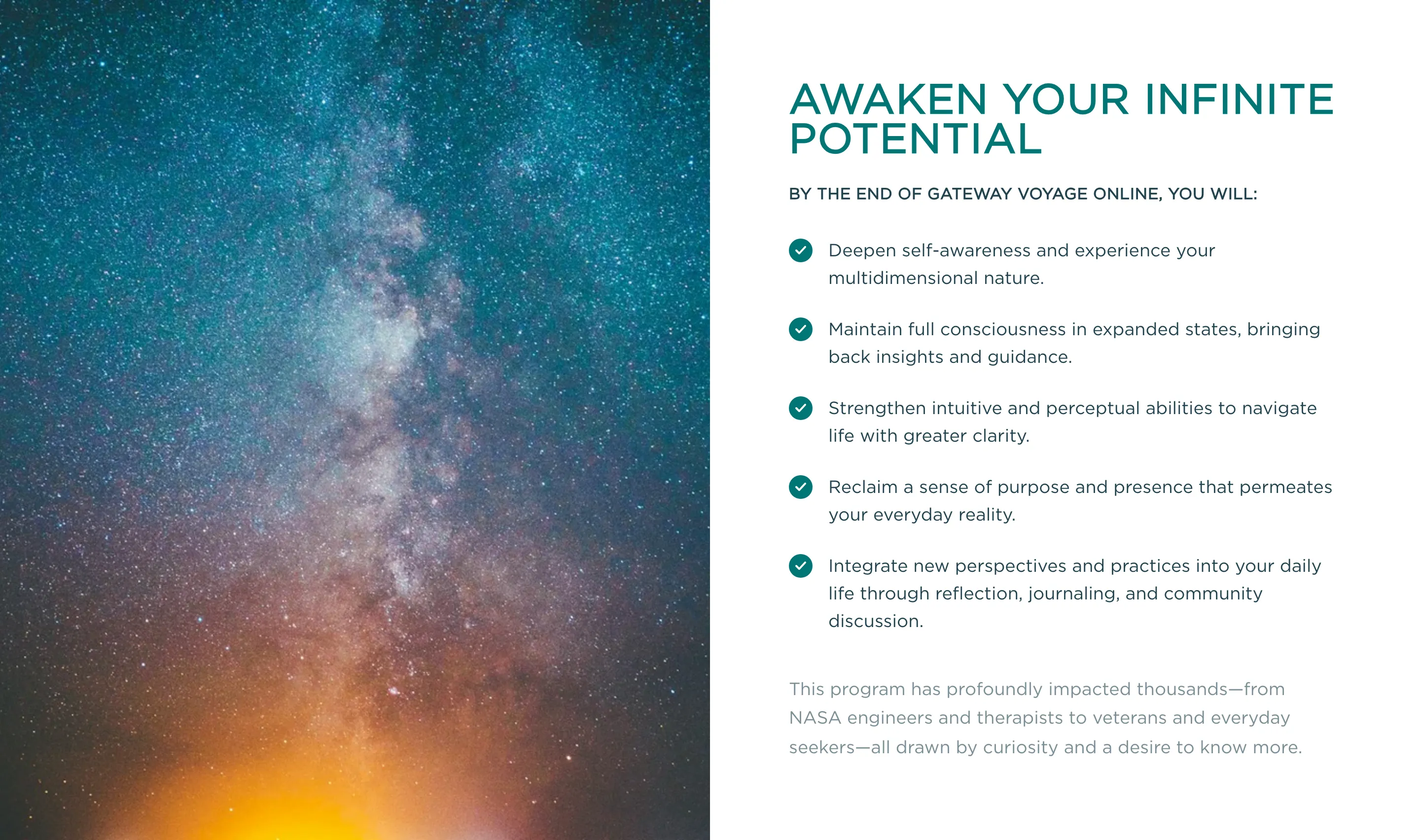
Description
Image + Content Split Section
Two-column layout with a full-height image on one side and rich content on the other. Content supports a heading, subtitle, checklist items (via check-list-item snippet), and a closing description.
Layout:
- Desktop (lg+): 50/50 side-by-side, image fills column height
- Mobile (<lg): Stacked — image on top (16:9 aspect), content below
- Image position is configurable (left or right)
Theme Presets (color_theme setting):
- white: #FFFFFF content bg, mi-green title, mi-black text
- light-gray: gray-100 content bg, mi-green title, mi-black text
- beige: mi-beige content bg, mi-green title, mi-black text
- dark: mi-green content bg, white title/text
Settings:
- color_theme (select) — “white” | “light-gray” | “beige” | “dark”
- image (image_picker) — Full-height side image
- image_position (select) — “left” (default) | “right”
- title (text) — Main heading (uppercase)
- subtitle (text) — Secondary heading (uppercase, smaller)
- description (richtext) — Closing body copy below the checklist
Blocks:
- checklist_item: text (text) — rendered with check-list-item snippet
Snippets Used:
- section-heading: title + subtitle rendering
- check-list-item: green checkmark + text row
Settings
| ID | Type | Label | Default | Info |
|---|---|---|---|---|
| “ | header | |||
color_theme | select | Color Theme | white | |
image_position | select | Image Position | left | |
| “ | header | |||
image | image_picker | Image | ||
image_alt | text | Image Alt Text | ||
image_focal_point | select | Image Focal Point | center | Controls where the image anchors when cropped to fit. |
| “ | header | |||
title | text | Title | Awaken Your Infinite Potential | |
subtitle | text | Subtitle | ||
description | richtext | Description |
Blocks
Checklist Item
- Type:
checklist_item
| ID | Type | Label | Default |
|---|---|---|---|
text | text | Text | Checklist item goes here. |
Presets
- Image + Content Split
Usage
This section can be added via the Shopify theme editor.
{% section 'image-content-split' %}